Free Download Skin Pack Mac Os for Windows 10 Updated
Free Download Skin Pack Mac Os for Windows 10
Have you e'er wanted to turn your PC into a Mac? All people can not afford an expensive Apple MacBook, simply yeah, all we can exercise that install a macOS theme and skin pack to transform our Windows 11/10 PC into a MacBook. Some Windows eleven/10 users want their PCs to look like macOS. They want to give their PC a new await with but a few clicks and a unique Mac theme for Windows 11/10. A transformation pack may modify near every GUI element of your system. Also, many cool features volition be added, such as virtual desktops and widget menus, amidst others.
WinDynamicDesktop is a freeware application to utilize macOS Dynamic Wallpaper on Windows 11/x that automatically rotates the wallpaper. WinDynamicDesktop comes with a limited function. It only employs dynamic macOS wallpaper on Windows 11/10 and turns on a schedule which nosotros configure.
This commodity will share some macOS themes and skin packs specially developed for Windows operating organisation. Before installing whatever themes or skin packs, we recommend creating a system restore point. If something goes wrong, you can restore your computer to its previous working state.
macOS Transformation Pack
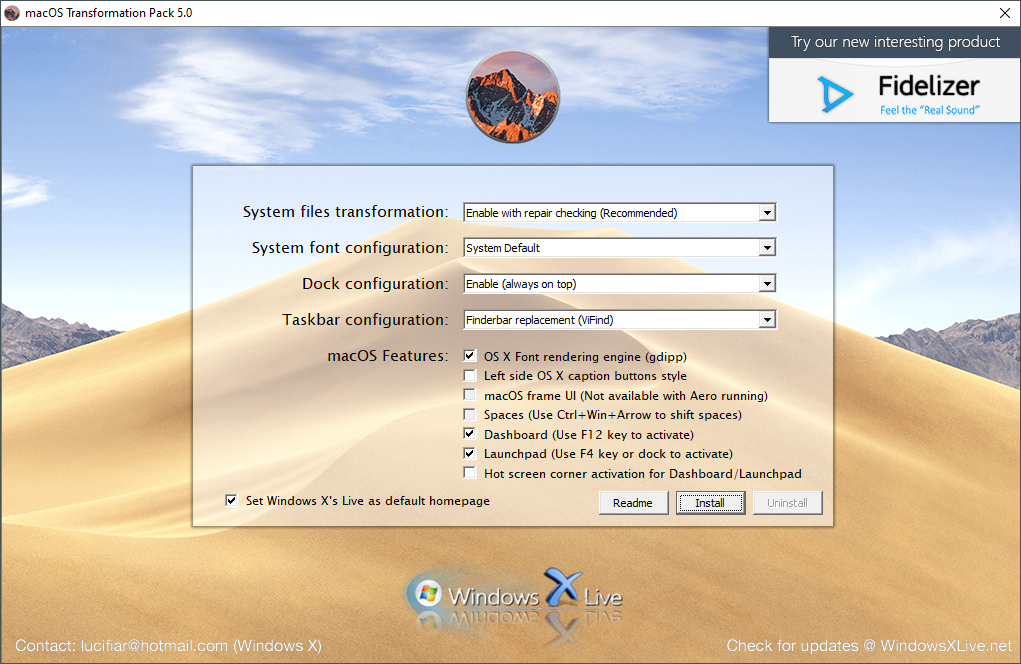
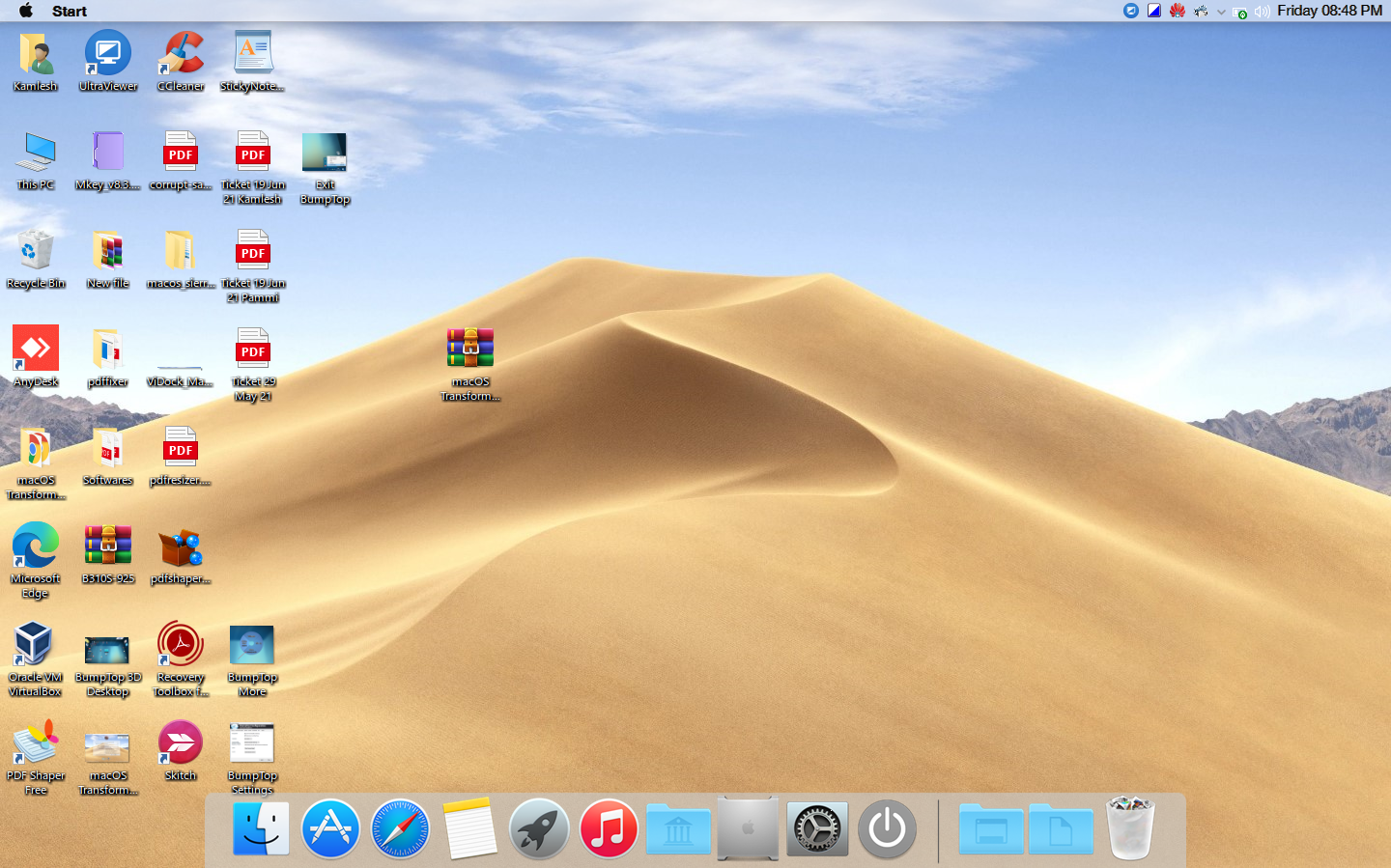
If you're a fan of the Mac interface but installed Windows 10 operating system, macOS Transformation Pack is the best option for yous. This is a unique theme pack that makes your Windows PC look similar a Mac. It will transform your Windows eleven/10/eight/7/Vista/XP user interface to macOS, including Login Screen, Themes, Wallpapers, Cursors, Fonts, Sounds, Icons, Dock, Finderbar, Dashboard, Spaces, Launchpad, and more.
Installation of this transformation pack is easy. Just download and unzip in a folder (utilize password as thememypc.internet). Double-click on the setup files to install them on your PC. It may reboot your computer sometimes to consummate the setup.
Once installation is completed, you will notice your taskbar is shifted to the superlative of the screen, and a floating widget will take place on the bottom of the monitor. In the latest version of this transformation pack, you lot will find High Sierra and Mojave wallpapers.
Download macOS Transformation Pack
Y'all can download the macOS Transformation Pack latest version from here.
RocketDock

Unlike the macOS Transformation Pack, RocketDock comes with several shortcuts of normally-used folders on your system, as well as a fully working Recycle Bin. Afterward installing RocketDock on your Windows 10 PC, you lot volition come across This PC, Network, Documents, Music, Pictures, Control Panel, and Recycle Bin are pinned on RocketDock.
RocketDock is fully customizable. Information technology allows you to access its settings past clicking on the "Dock Settings" icon from the Dock or past right-clicking on the free space and choosing the "Dock Settings" pick.
There is also an selection available to run the Dock automatically with the start of your Windows PC. For that, you demand to select the settings "Run at startup" in the General tab. Further, you lot tin lock this Dock by clicking "Lock Items" on the Dock if yous don't accidentally remove any dock items.
Free Download Skin Pack Mac Os for Windows 10
Posted by: cantuanduke1967.blogspot.com

